
As more of our communication moves online and we rely on digital tools for collaboration, we must strike a respectful balance between working styles and communication preferences.
Different generations may have varying ideas of what constitutes professional communication. While Gen Z might be comfortable using emojis and slang, baby boomers may prefer a more formal tone. Not to mention, emojis’ meanings can be generational (e.g., 😂 means laughing for boomers & millennials, whereas Gen Z uses 💀), leading to comical or sometimes serious miscommunication. Adapting to these differences while maintaining professionalism is key to successful workplace communication.
Below are five communication “netiquette” dos and don’ts for the digital workplace.

1. Don’t Overuse Emojis and Slang
Emojis and casual language can be a great way to add personality to a message, but be mindful of generational differences and the context of your conversation. While younger employees may appreciate a lighthearted tone, older colleagues might perceive it as unprofessional. When in doubt, err on the side of formality.
- Do: Use emojis and slang sparingly. Avoid them in formal communication.
- Don’t: Use an emoji if you’re unsure what it means or how it might be interpreted contextually.
2. Respect the Remote Work Environment
Remote work has introduced new dynamics in workplace communication, both internally and externally. While it’s easier to send a quick message than it is to walk over to someone’s desk, that doesn’t mean it’s a good time to reach out. Always check if a colleague or client has time to talk before jumping into a conversation and interrupting their workflow.
- Do: Send a polite message to check if a colleague is available, akin to knocking before entering an office.
- Don’t: Assume someone is free just because their status shows they’re online.
3. Avoid Using All Caps
Writing in all caps can come across as aggressive or like you’re SHOUTING, which can lead to misunderstandings. Instead, use proper sentence casing to convey your message clearly and politely.
- Do: Use clear, concise language to express urgency without overemphasizing.
- Don’t: Type in all caps unless you intend to shout (which you likely don’t).
4. Establish a Separate Channel for Casual Conversations
“Water cooler conversations” can take place in a digital environment as well. Many organizations create dedicated channels for lighthearted chats, personal interests, or shouting out good work. This helps foster camaraderie without cluttering formal work channels.
- Do: Encourage the use of specific channels for non-work discussions or praise.
- Don’t: Use the main communication channels, or dreaded “reply all” emails for lengthy casual conversations, which can distract and annoy others.
5. Maintain a Professional Video Presence
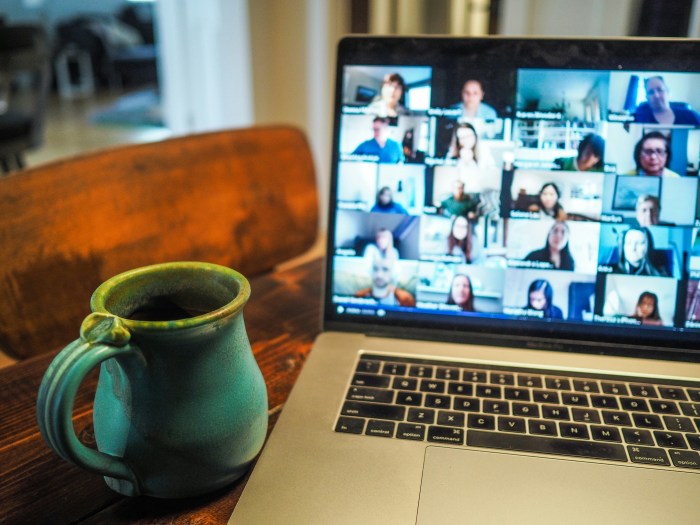
We’ve all had our fair share of Zoom calls and video conferences, so it’s easy to become complacent. Remember, these are stand-ins for in-person meetings. Act as professionally as you would in person. Dress appropriately and listen actively. Choose a clean and neutral background and mute your mic when you’re not speaking to ensure that you don’t accidentally interrupt or distract the other speaker.
- Do: Dress professionally and mute your mic when you’re not speaking.
- Don’t: Video call from your dark, cluttered bedroom in your PJs.
By following these best practices, you can maintain a professional yet friendly communication environment in the digital workplace. Adjusting to various styles, keeping respect at the forefront, and knowing when to use certain tones will make your online interactions smoother and more productive.
Looking for more helpful pointers for your brand’s internal or external communications? Reach out to Barber Communications today.

 Barber Communications